Best for judging shine and roughness. Drag to turn it.
Stone, M-08
Stone WallFree seamless PBR texture
Large irregular warm-toned blocks with recessed joints. The heights vary block to block, which gives a hand-laid look instead of a clean grid.
- CC0, no credit needed
- 1024 x 1024
- Tiles both ways
- Six maps
Data sheet, measured from the maps
Average colour
#867765
Normal format
OpenGL, Y up
What is in the ZIP
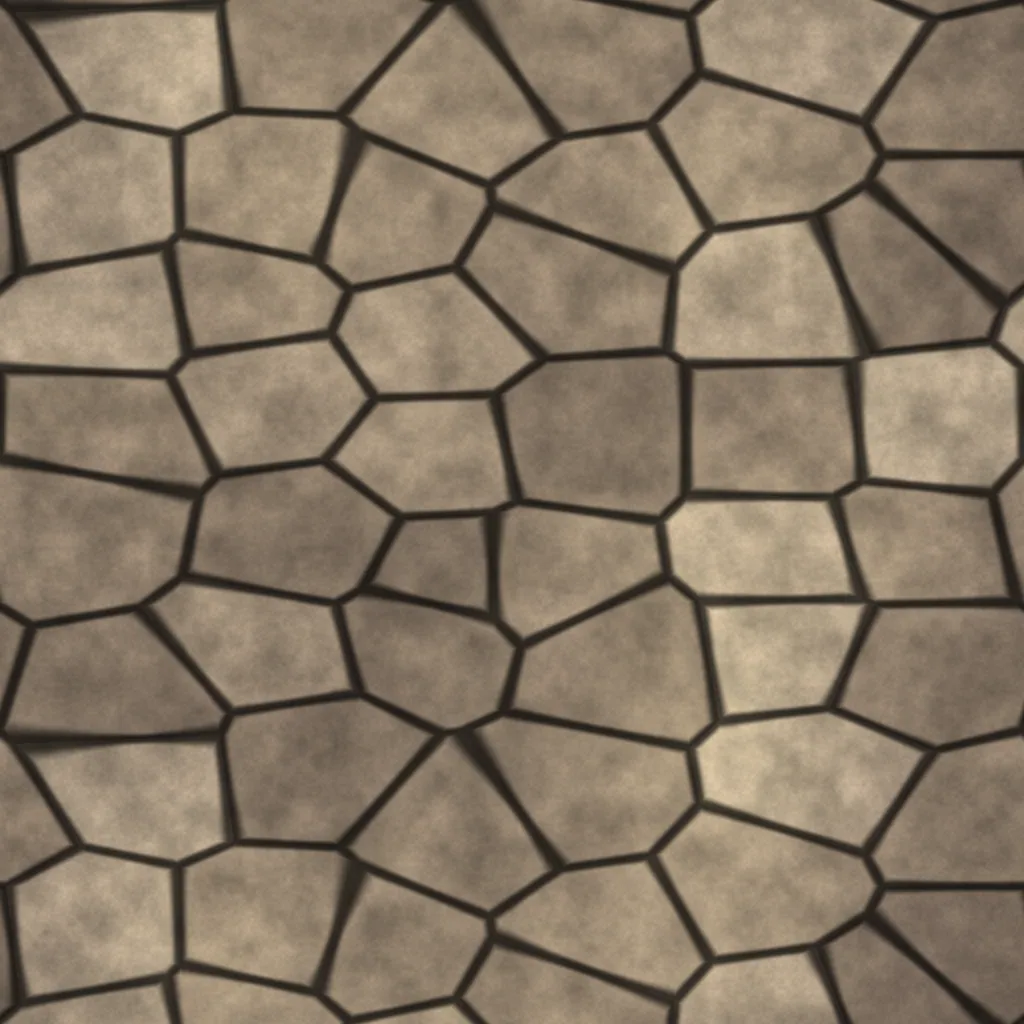
Albedo
Base colour with the lighting taken out, so the engine can light it.
stone-wall_albedo.png
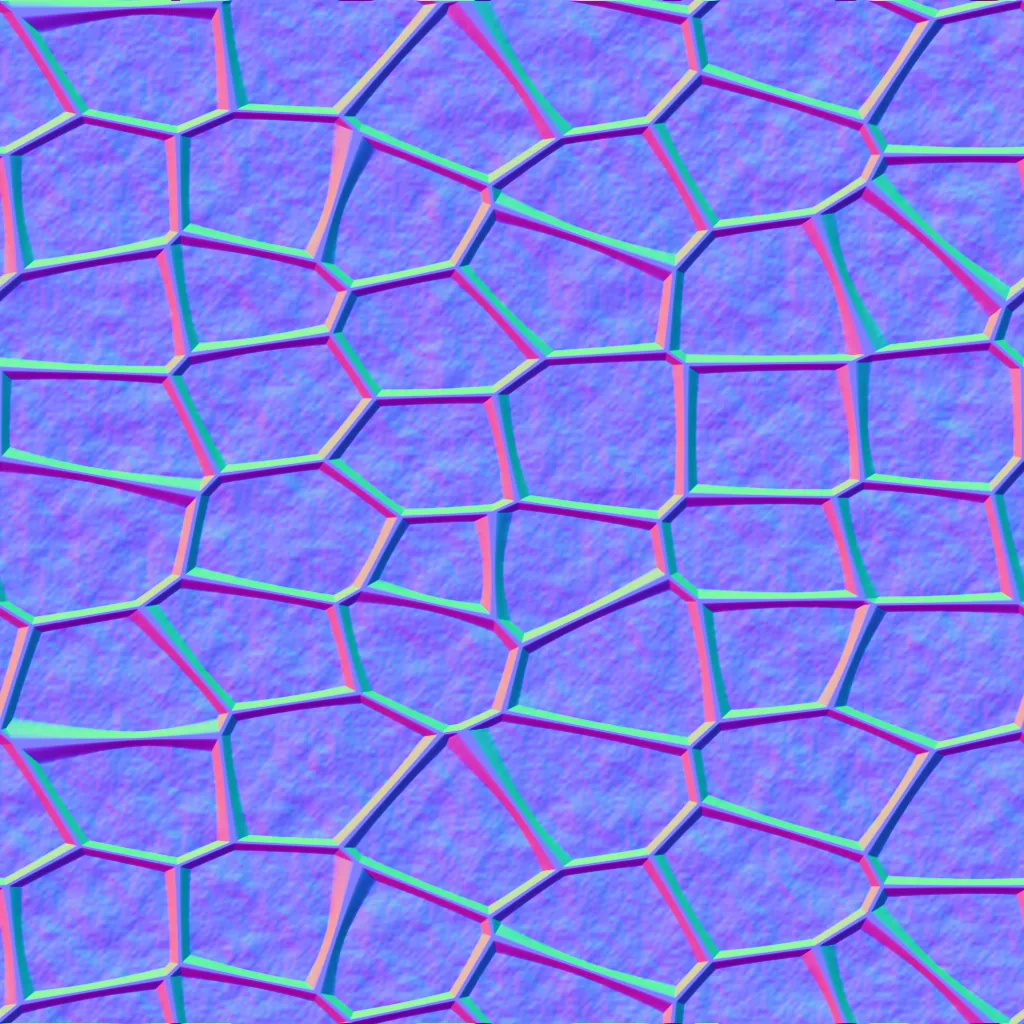
Normal
Fine surface direction. OpenGL format, green channel up.
stone-wall_normal.png
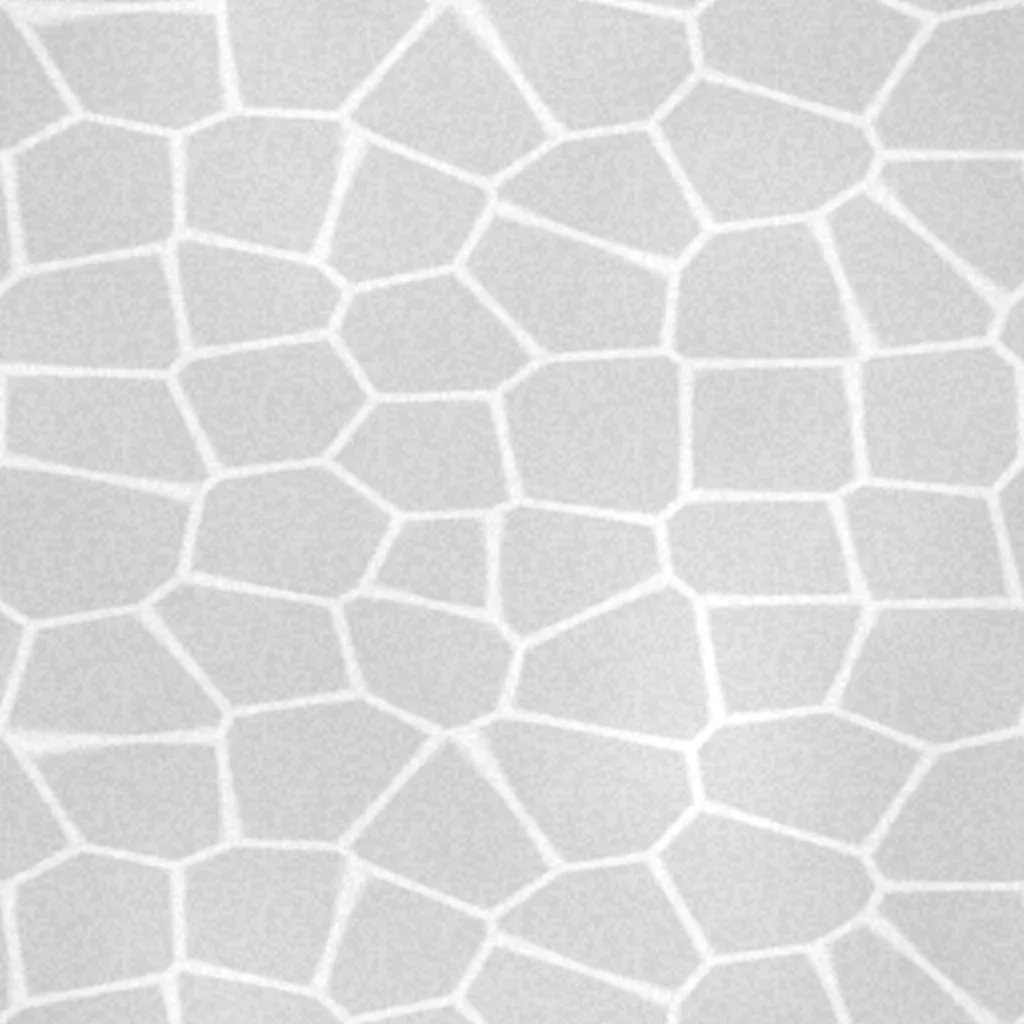
Roughness
White scatters light into a matte finish, black keeps it mirror sharp.
stone-wall_roughness.png

Metallic
White is bare metal. Black is everything else.
stone-wall_metallic.png
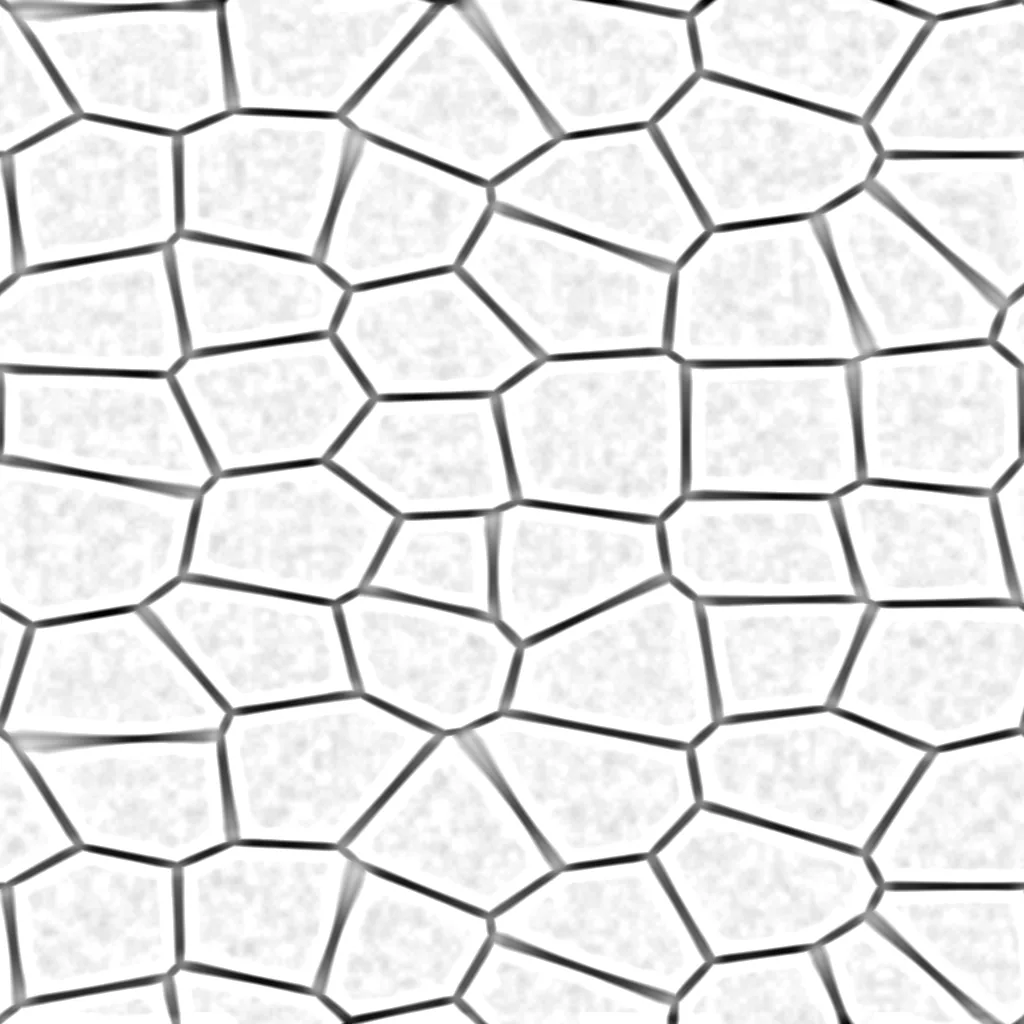
Ambient occlusion
Darkens crevices where ambient light struggles to reach.
stone-wall_ao.png
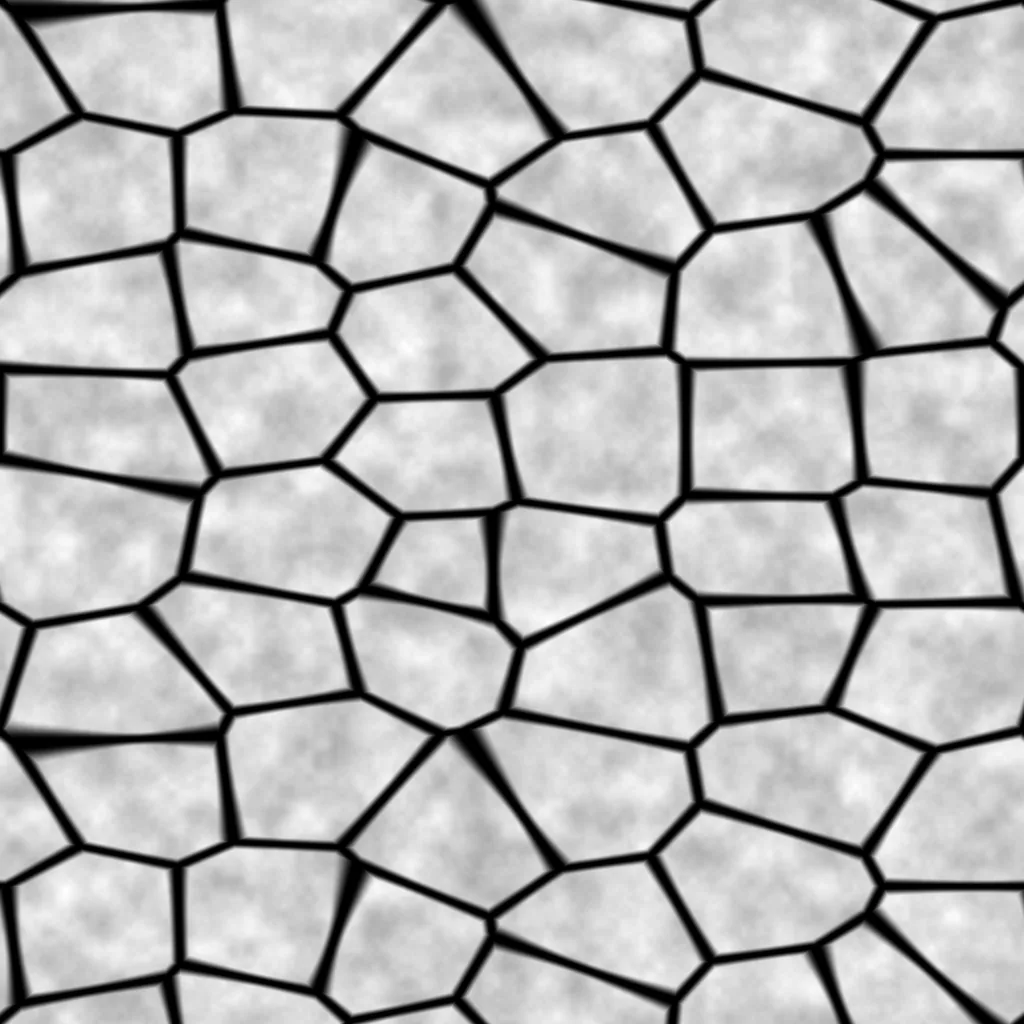
Height
Raised areas are white. Feeds displacement and parallax.
stone-wall_height.png
Where stone wall works
- Castle walls and ruins
- Garden and retaining walls
- Cave and dungeon entrances
Getting it into your engine
- Roblox
- Upload albedo, normal, roughness and metallic, then set them as ColorMap, NormalMap, RoughnessMap and MetalnessMap on a SurfaceAppearance.
- Blender
- Albedo into Base Color. Set the other maps to Non-Color and run the normal through a Normal Map node.
- Unity
- The OpenGL normal works as it is.
- Unreal
- Flip the green channel of the normal map. Unreal expects DirectX.
Put a live stone wall preview in your own post
Writing a tutorial or answering a forum thread? Pick a shape and lighting, copy the code, and your readers can turn the material themselves.
Standard, 480 x 360. Blog or tutorial.
Stone Wall PBR texture by GenPBR
<iframe
="https://genpbr.com/embed/stone-wall"
="480" ="360"
="border:0;max-width:100%"
="lazy"
="Stone Wall PBR material preview"></iframe>
<p ="font-size:12px;margin:6px 0 0">
<a ="https://genpbr.com/materials/stone-wall?utm_source=embed">Stone Wall PBR texture by GenPBR</a>
</p>The link under the viewer is the credit, and it is the only one. Keep it and the embed stays free. It works in any page that allows an iframe.
Pairs well with
Need a surface that is not in the library?
Drop in any photo and get the same six maps in your browser. Nothing uploads, and the core tool needs no account.
Open the generator