Article
PBR texture generator checklist: which maps to author first (and why order matters)

A channel-by-channel checklist for normal, metallic, roughness, AO, and height, so exports stay consistent when you iterate in a browser-based PBR texture generator.
Last updated: April 2026. General PBR guidance; confirm current GenPBR capabilities and limits on /pricing and the live /generate tool.
Why “PBR texture generator” searches hide a scope problem
People use PBR texture generator, PBR texture maker, and PBR maps generator to mean different scopes:
- Single-map focus, “I only need roughness” or “I only need normals today.”
- Full material, “I need a coherent metal/rough set from one concept plate.”
- Batch / pipeline, “I need predictable naming and repeatability for a team.”
Search engines cannot read your intent, but your checklist can. Before you export, define which bucket you are in so you do not tune one channel while contradicting another.
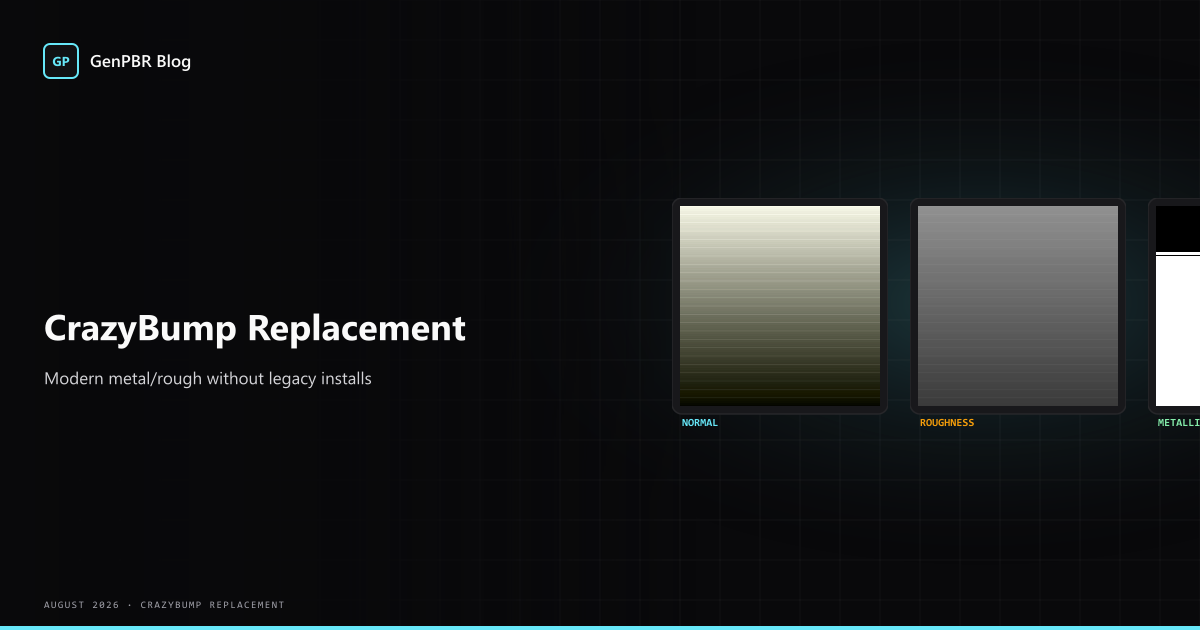
Channel checklist (metal/rough real-time)
Base color (albedo)
- Remove lighting cues when possible; keep decals and wear in a separate mask if your engine supports detail maps.
- Watch compression: blocky JPEG detail can become false high-frequency content in derived maps.
Metallic / metalness
- Treat this as classification more than “artistic texture.” Extreme values are common; mid-tones appear in scanned materials but are easy to abuse in stylized work.
- GenPBR documents this intent on the metallic map generator landing page.
Roughness
- Preview under rim lighting and broad fill, not only a head-on studio HDR.
- See also: roughness map generator.
Normal (tangent space)
- Expect mirroring and UV seams to require extra care; mirrored UVs can flip tangent frames unless your toolchain compensates.
Ambient occlusion
- Often used as a micro-occlusion multiplier in real time; tune after primary specular response looks correct.
Height (where used)
- Useful for displacement in offline contexts and some real-time height blending; not every runtime uses height the same way. GenPBR also publishes a height map generator entry point for that search intent.
Internal links teams actually bookmark
- /texture-map-generator, hub framing for multi-map workflows
- /pbr-materials, materials-first searches
- /free-pbr-textures, free pbr / freepbr intent
- /image-to-pbr, narrative for “single plate → material set”
- /pbr-api, when automation replaces one-off browser sessions
If your studio tracks SEO clusters, align your internal wiki with these URLs, texture map generator and pbr map generator queries often come from technical artists standardizing documentation.
About Star
GenPBR is a professional tool for generating PBR textures using industry-leading algorithms. Create photorealistic materials for games, architecture, and 3D art with proven techniques for Unity, Unreal Engine, Blender, Maya, and Roblox.