Article
CrazyBump replacement for modern metal/rough pipelines (without reinstalling legacy tools)

CrazyBump earned loyalty for fast normal previews, but modern engines expect metallic and roughness alongside normals. This practical migration guide covers channel gaps, export hygiene, and evaluating browser replacements before your next milestone.
Last updated: August 2026. CrazyBump development has been inactive for years; treat any install as legacy infrastructure with compatibility risk.
Why teams still search for a CrazyBump replacement
CrazyBump built a loyal audience around fast normal-map previews from height or photos. The UI was distinctive, the loop was tight, and for a generation of real-time artists it was the first "wow" moment for tangent-space lighting.
The problem in 2026 is not nostalgia. It is pipeline drift:
- Modern engines expect metallic + roughness, not spec/gloss leftovers
- OS updates break unsigned legacy installers
- New teammates cannot reproduce your 2009-era workflow from memory
- Remote contractors will not install obscure desktop tools
If you are evaluating a CrazyBump replacement, you are really asking: what is the minimum modern stack that preserves my iteration speed?
What CrazyBump got right (and what to preserve)
Before switching, list the behaviors you cannot lose:
- Immediate visual feedback when tweaking normal strength
- Low ceremony: open app, drag image, export
- Predictable output from the same source file
Any replacement should be scored on those three axes first, before feature checklists.
Browser replacements: what changes, what improves
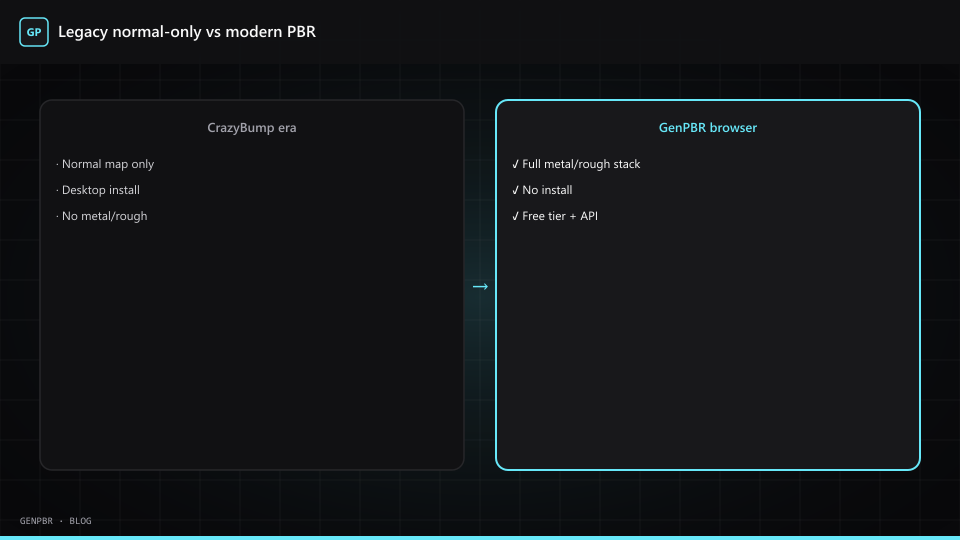
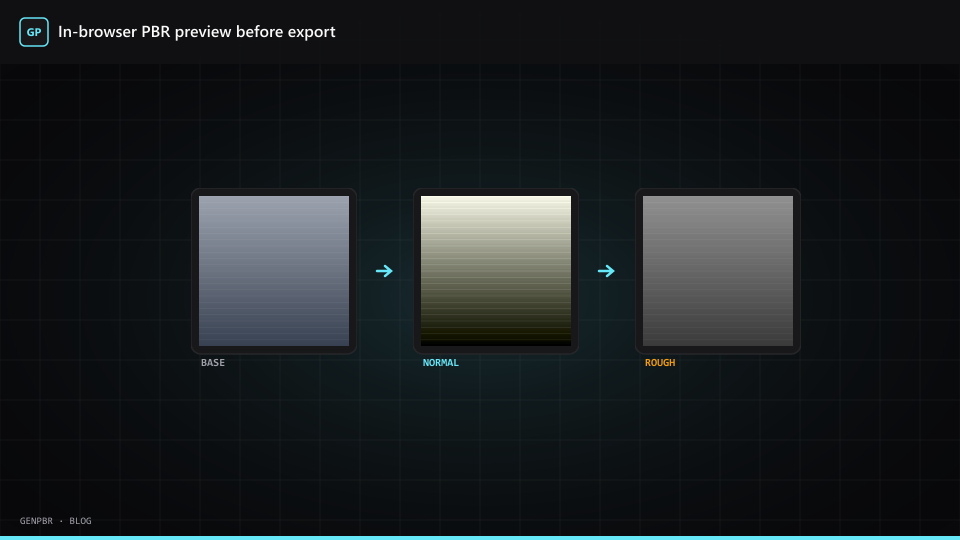
GenPBR and similar tools bundle normal, metallic, roughness, AO, and height in one session:
| Workflow step | CrazyBump-era habit | Modern browser habit |
|---|---|---|
| Input | Height or photo plate | Albedo or reference plate on /generate |
| Preview | Normal-only viewport | Full PBR material ball |
| Export | Often normal-centric | ZIP with engine-ready channels |
| Collaboration | Zip installers | Share a URL |
| Maintenance | Frozen binary | Web app updates automatically |
You may lose some esoteric sliders. You gain channel parity with Unity, Unreal, Blender, and Roblox without a second tool for roughness.
A one-afternoon migration test
- Export three materials you trust from the old pipeline.
- Rebuild them in GenPBR's free online generator.
- Import both sets into your engine side-by-side.
- Note roughness hotspots and normal strength. These are tuning issues, not deal-breakers.
- Read roughness map generator workflow for bias fixes.
If 80% of props pass without hand-painting, you have a viable replacement. Hero assets may still need Substance or manual work. That is normal.
Cost comparison (honest framing)
CrazyBump was a one-time purchase years ago. Maintaining it today costs engineer time when builds break, not license fees.
GenPBR offers:
- Free 512×512 generation without signup
- Starter ~$10/mo and Pro ~$20/mo for higher resolution and credits (June 2026 pricing)
- Regenerations on the same image are free, so iteration stays cheap
For a solo developer shipping monthly updates, browser pricing often beats resurrecting a VM with an old Windows image just to run CrazyBump.
When not to replace CrazyBump yet
Stay on legacy tooling if:
- Your shipping title uses bump-only shaders with no metal/rough budget
- Legal requires frozen toolchains for certified builds
- You have automated batch scripts that would take quarters to rewrite
Everyone else should at least trial a browser pass on the next asset.
Related reading
CrazyBump is a trademark of its respective owner. GenPBR is not affiliated; this is editorial guidance for artists modernizing pipelines.
About Star
GenPBR is a professional tool for generating PBR textures using industry-leading algorithms. Create photorealistic materials for games, architecture, and 3D art with proven techniques for Unity, Unreal Engine, Blender, Maya, and Roblox.