Free PBR trim sheets
Free trim sheets for games, archviz and 3D
Three free PBR trim sheets with full map sets: painted steel, architectural limestone and oak moulding. Each one packs many edges, mouldings and panel trims into a single 2048 px texture. CC0, so you can ship them in commercial work with no credit and no sign-in.
Download the free sheets- free sheets
- 3
- px per map
- 2048
- maps each
- 6
- license
- CC0
- watermarks
- 0
- sign-ins
- 0
Preview
Turn a sheet over in 3D before you download it.
See how the profiles wrap a moulding, a wall, a block, or a column. Switch to the map views to check each channel.
A long profile bar. Shows how the strips run along an edge. Drag to turn it.
Downloads
Pick a sheet, download the full set
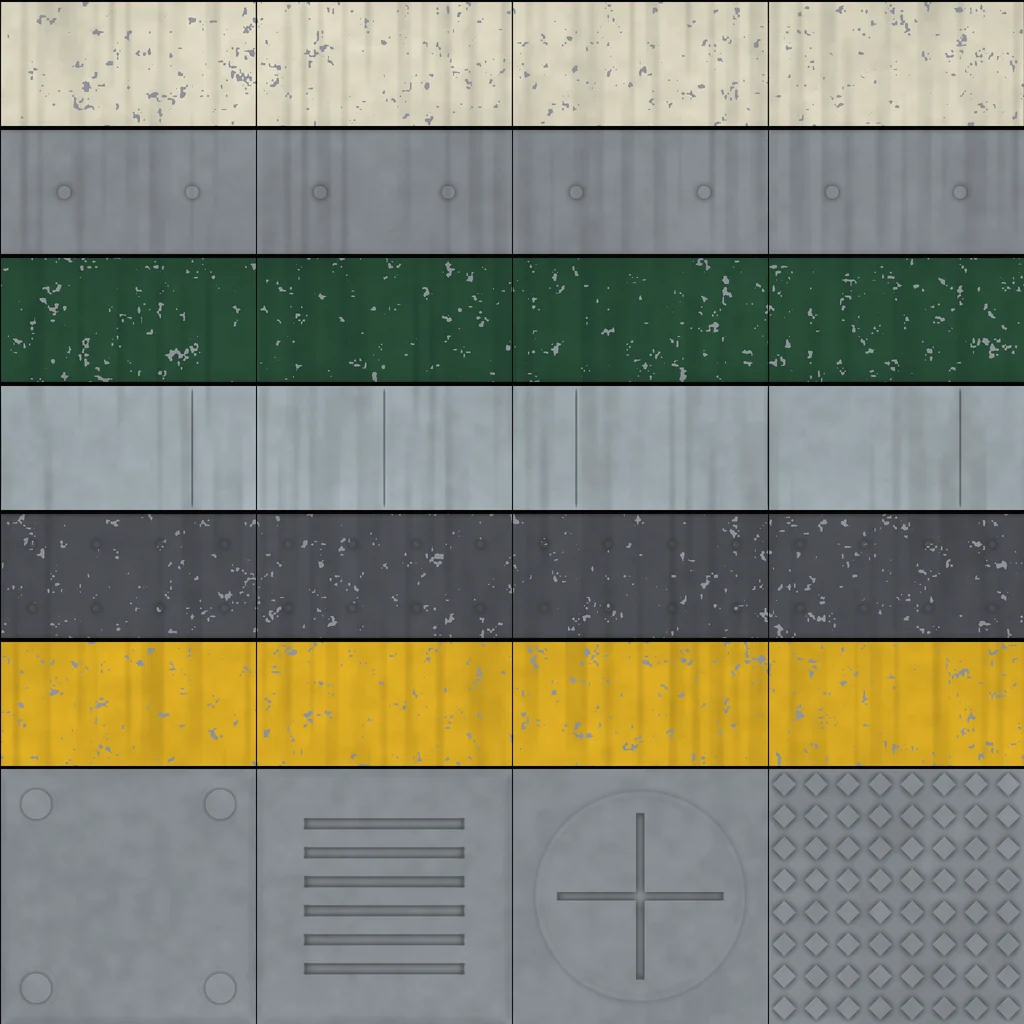
Painted steel with bare metal chips
Painted Steel Trim Sheet
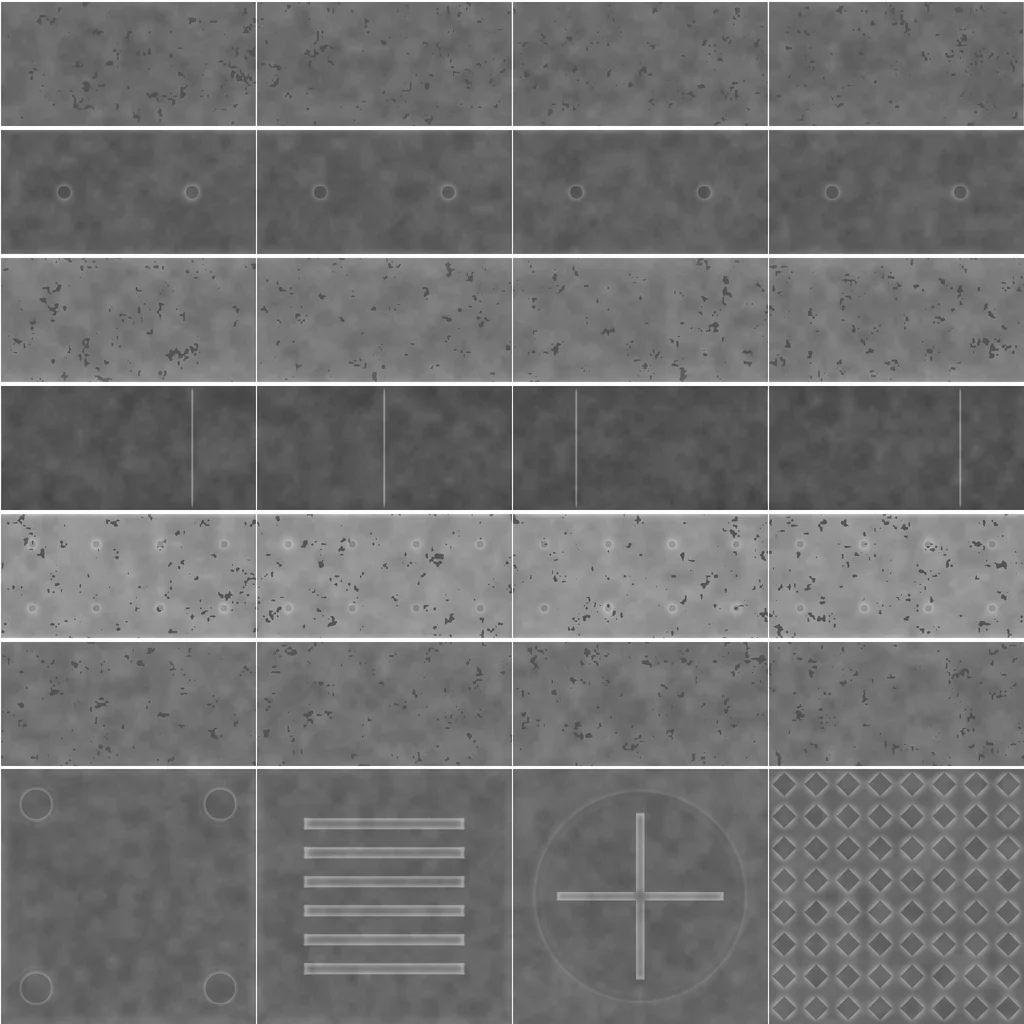
Cream bead, grey plate with bolts, green chamfer, galvanized trough, riveted dark plate and a safety yellow rib. Chips show bare steel where paint has worn off.
6 strips, 4 decal tiles, 2048 px, 5.6 MB
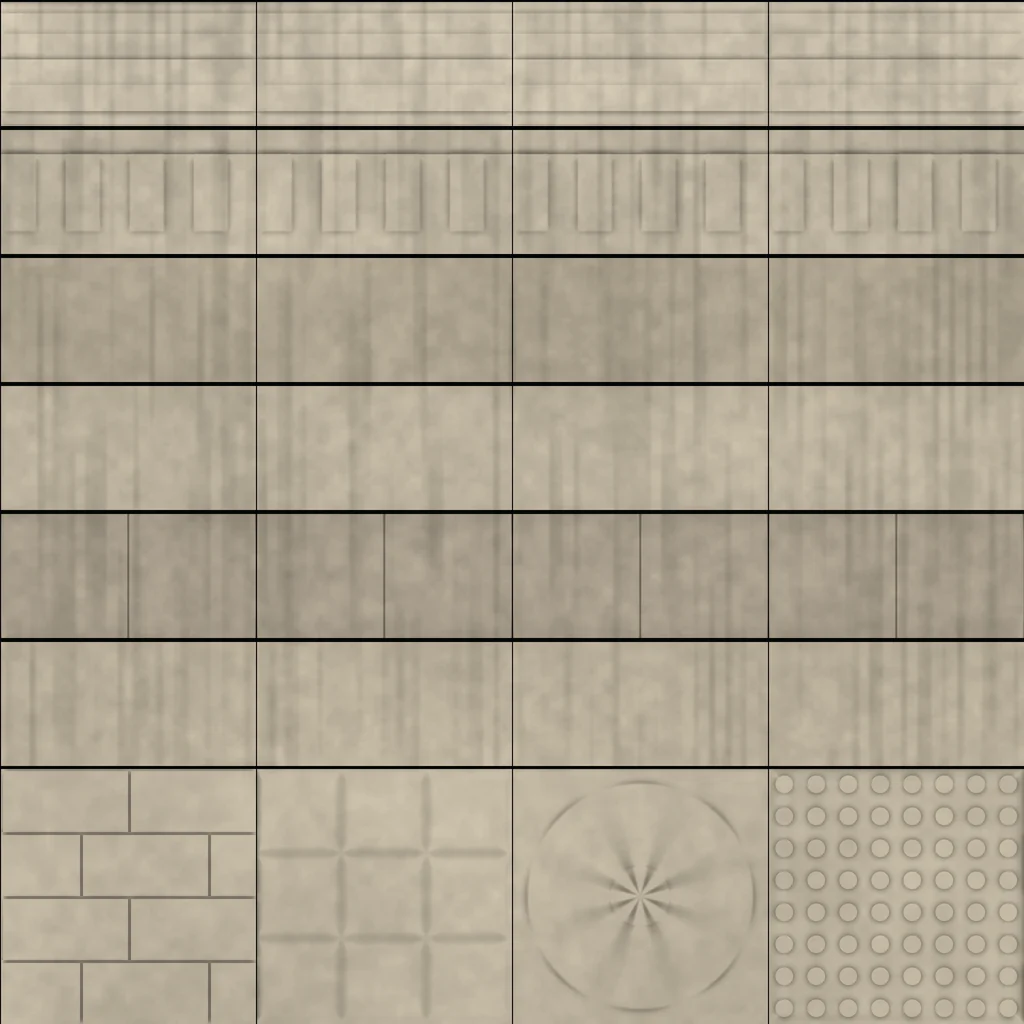
Honed limestone with mortar joints
Limestone Architectural Trim Sheet
Cornice, dentil course, cove, bullnose coping, chamfered sill and quarter round for building facades, plinths and garden walls.
6 strips, 4 decal tiles, 2048 px, 5.9 MB
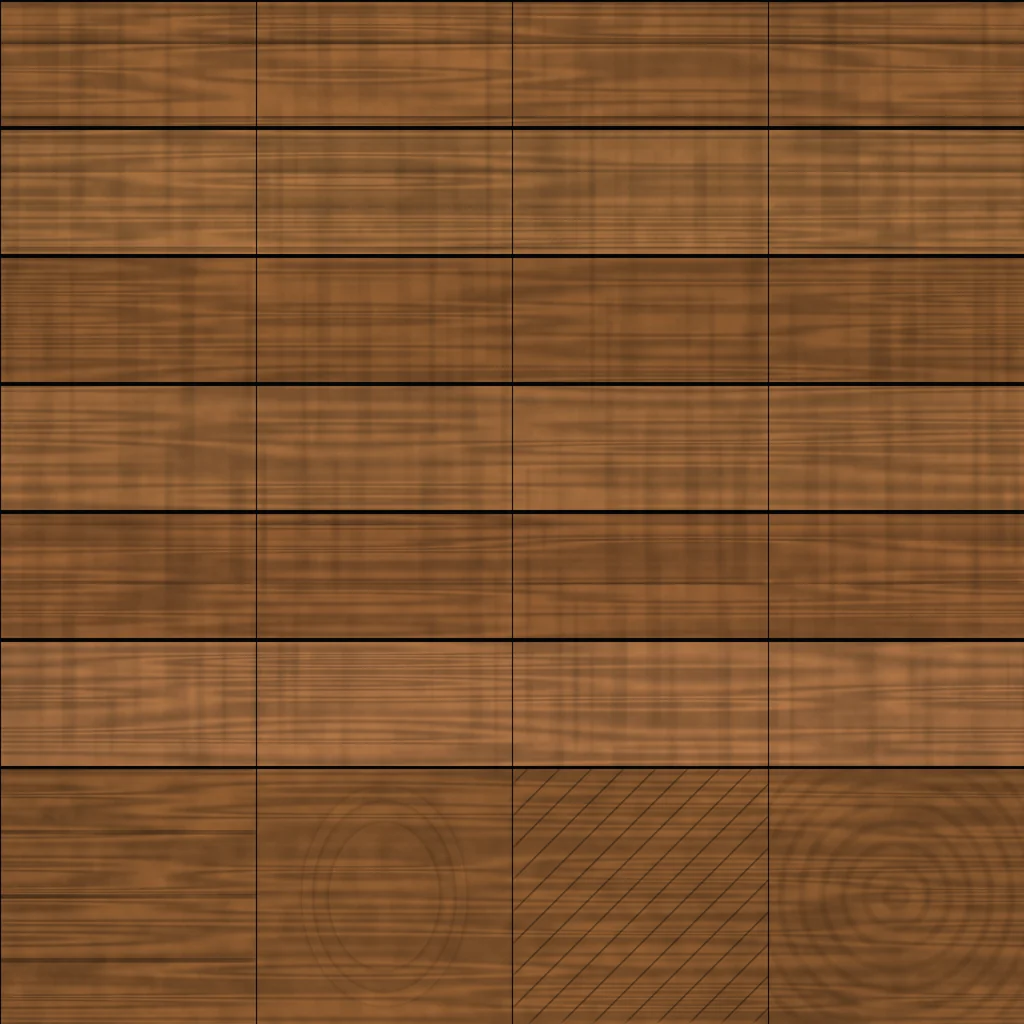
Oiled oak with visible grain
Oak Moulding Trim Sheet
Baseboard, crown, bullnose, ogee, raised panel and stair nosing with grain running along each profile. Planks, a knot, parquet and end grain tiles included.
6 strips, 4 decal tiles, 2048 px, 6.4 MB
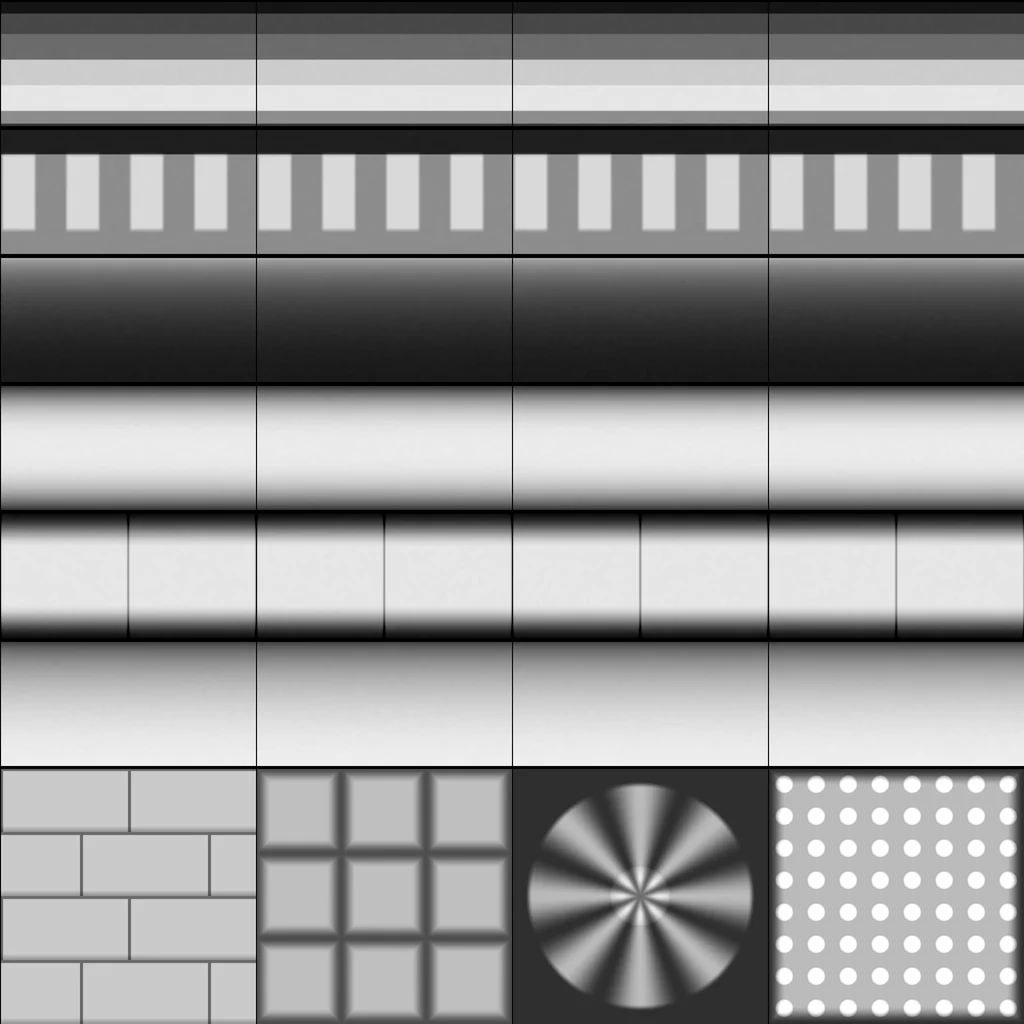
Every map, every sheet
Albedo
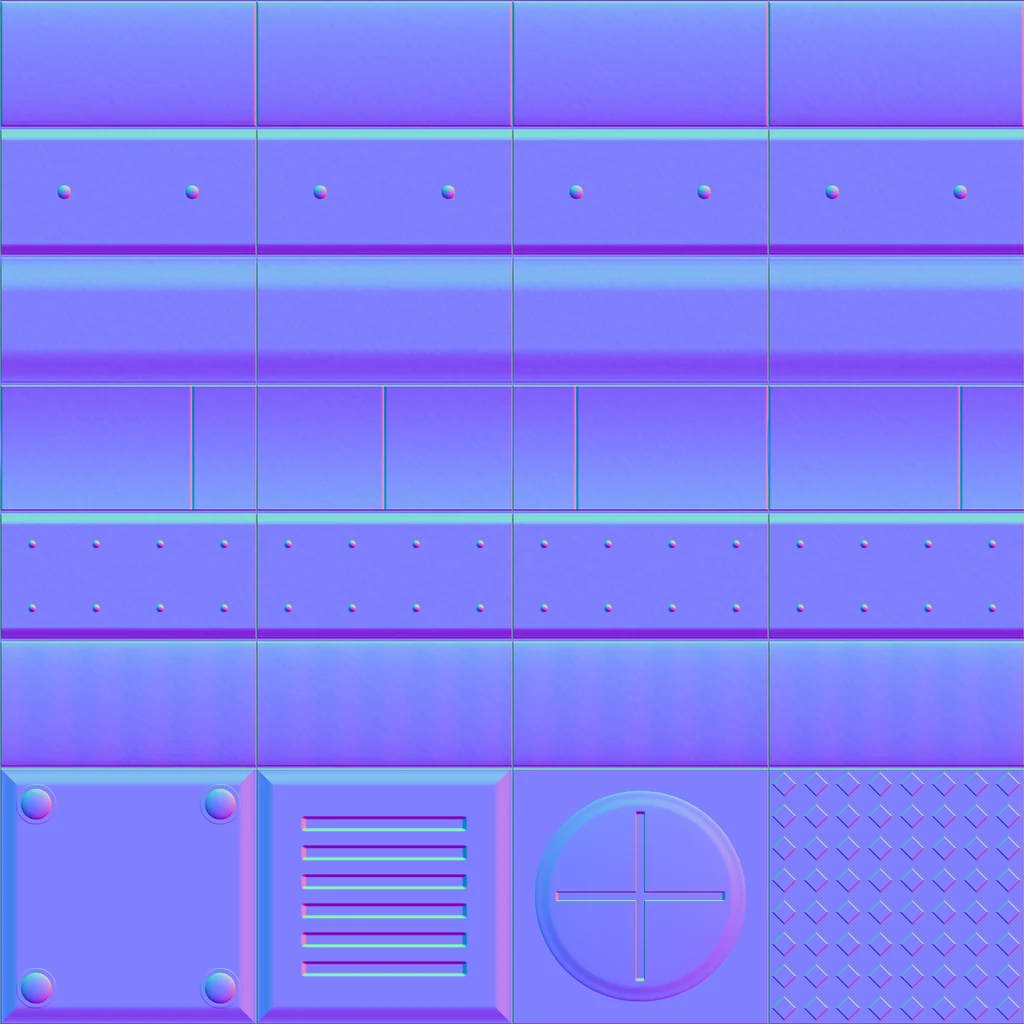
Normal (GL)
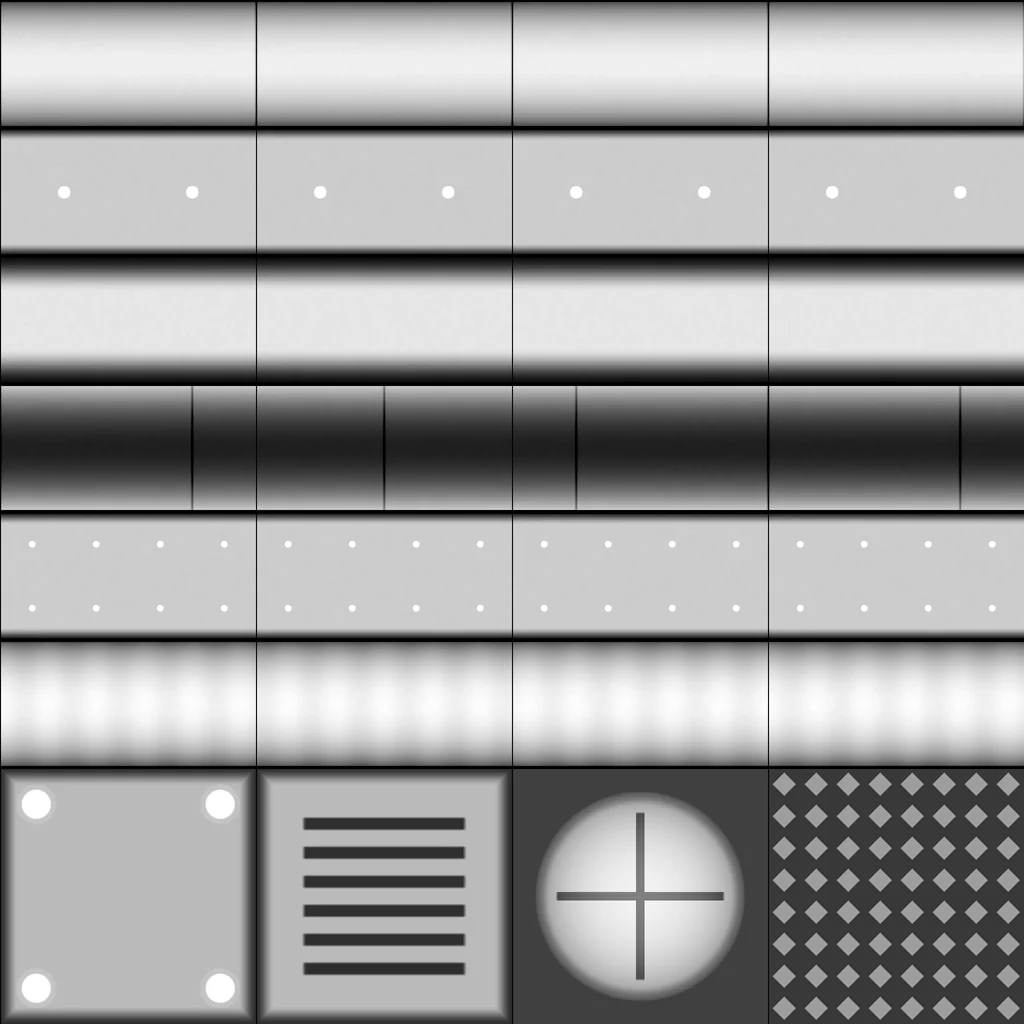
Roughness
Height
Albedo
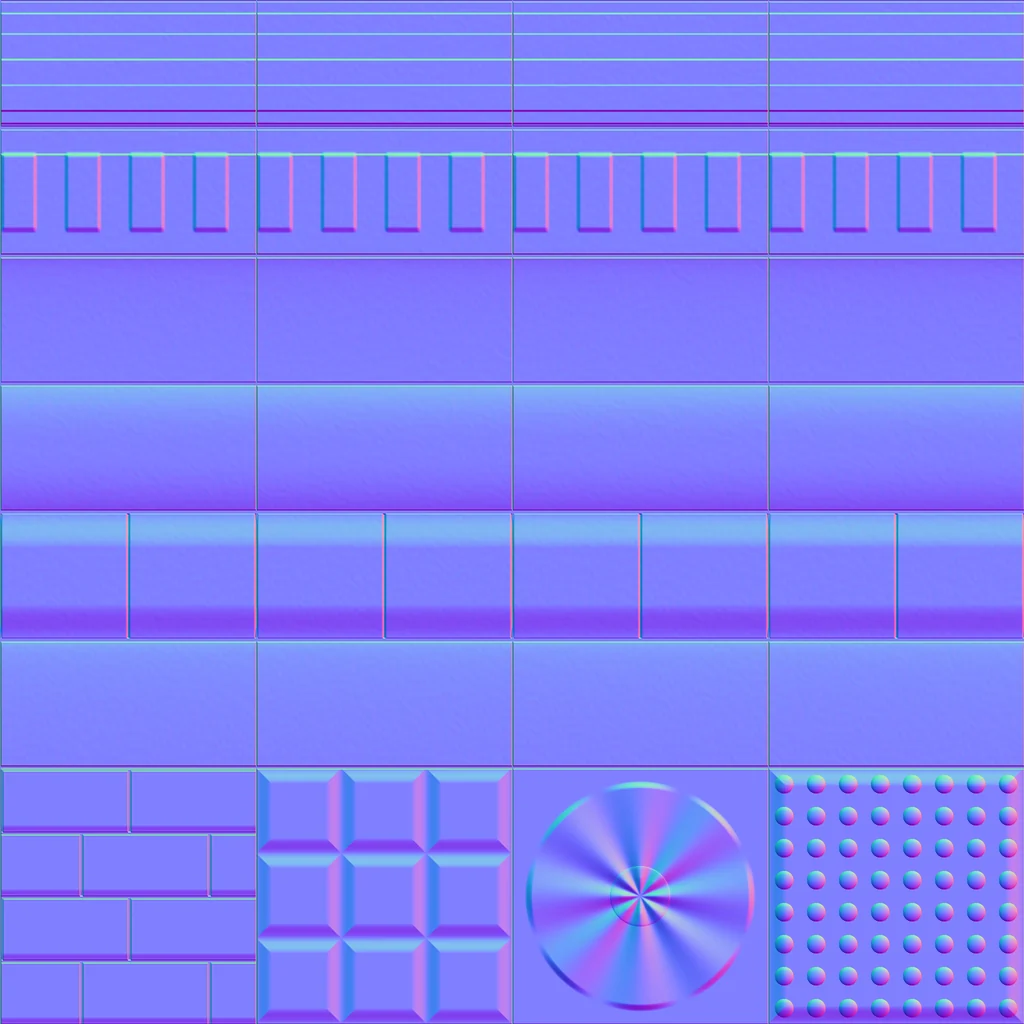
Normal (GL)
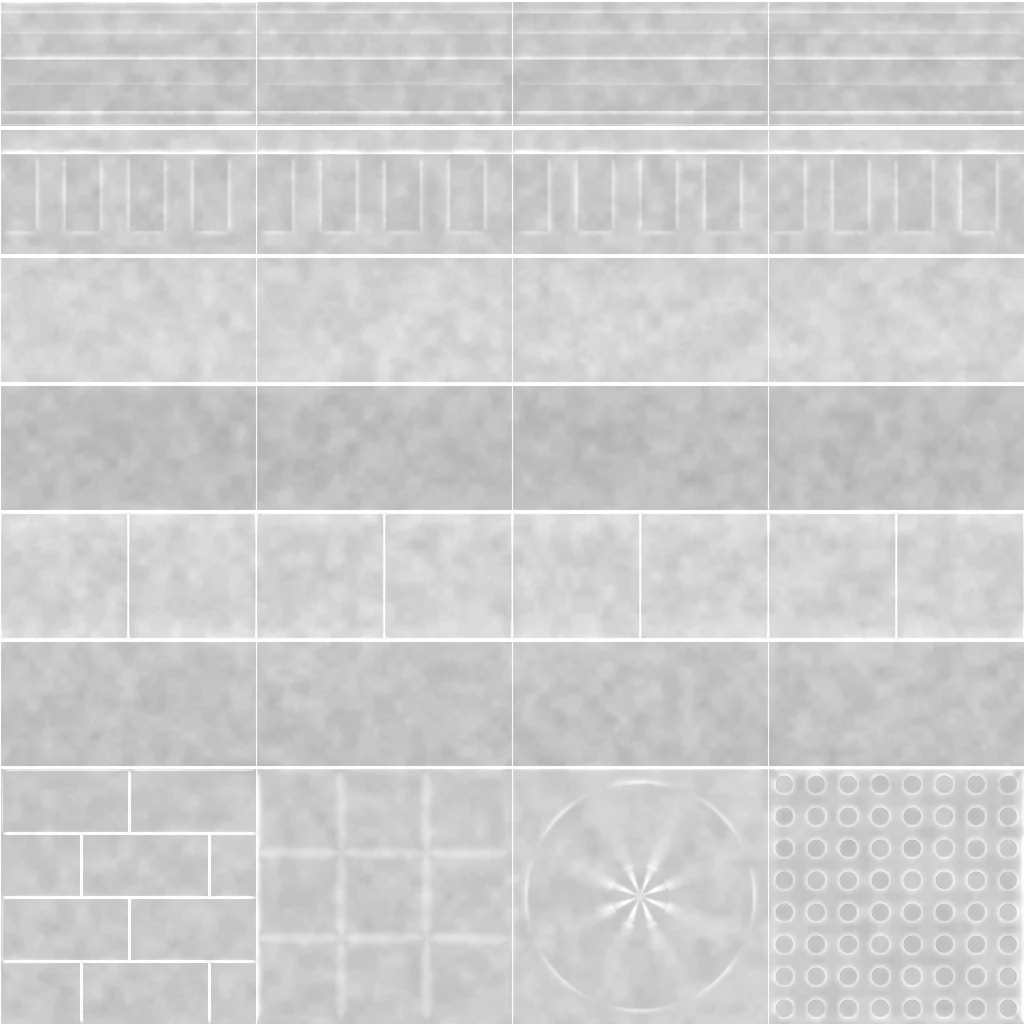
Roughness
Height
Albedo
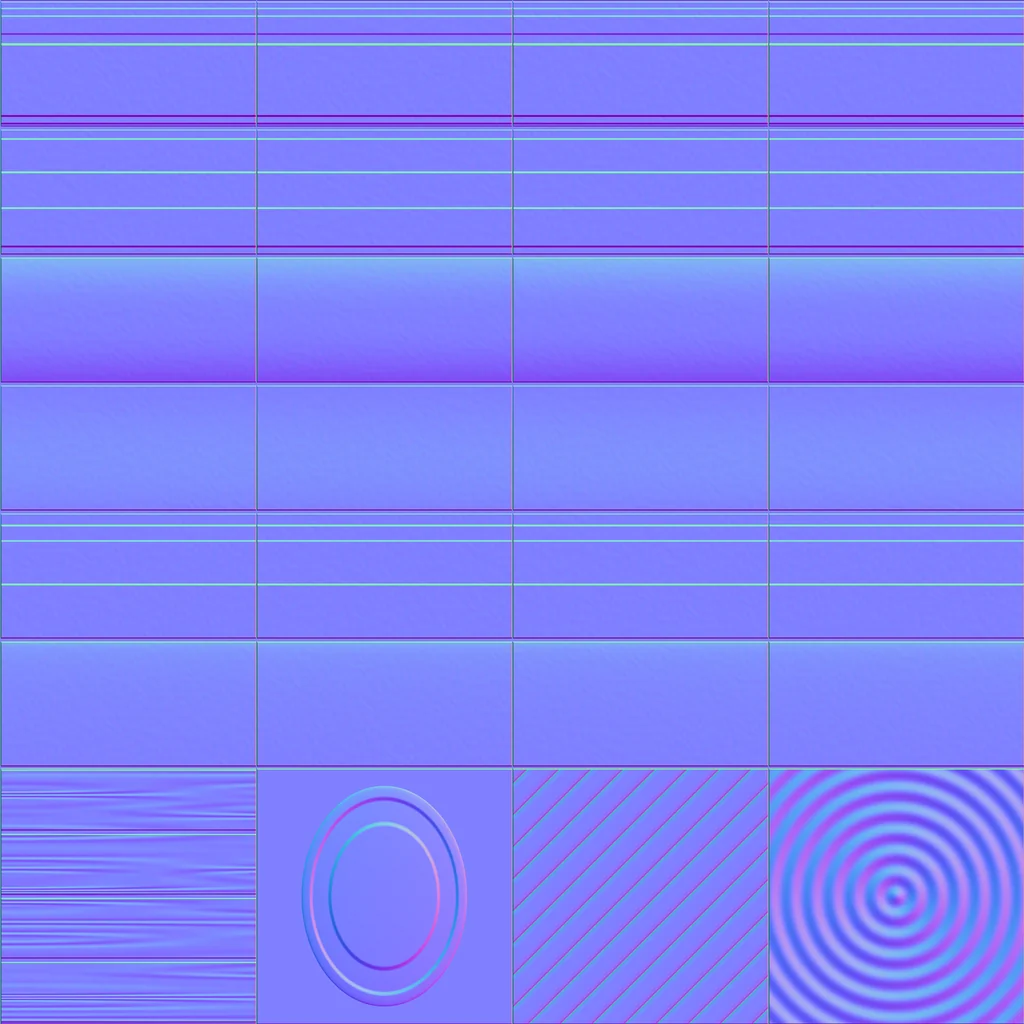
Normal (GL)
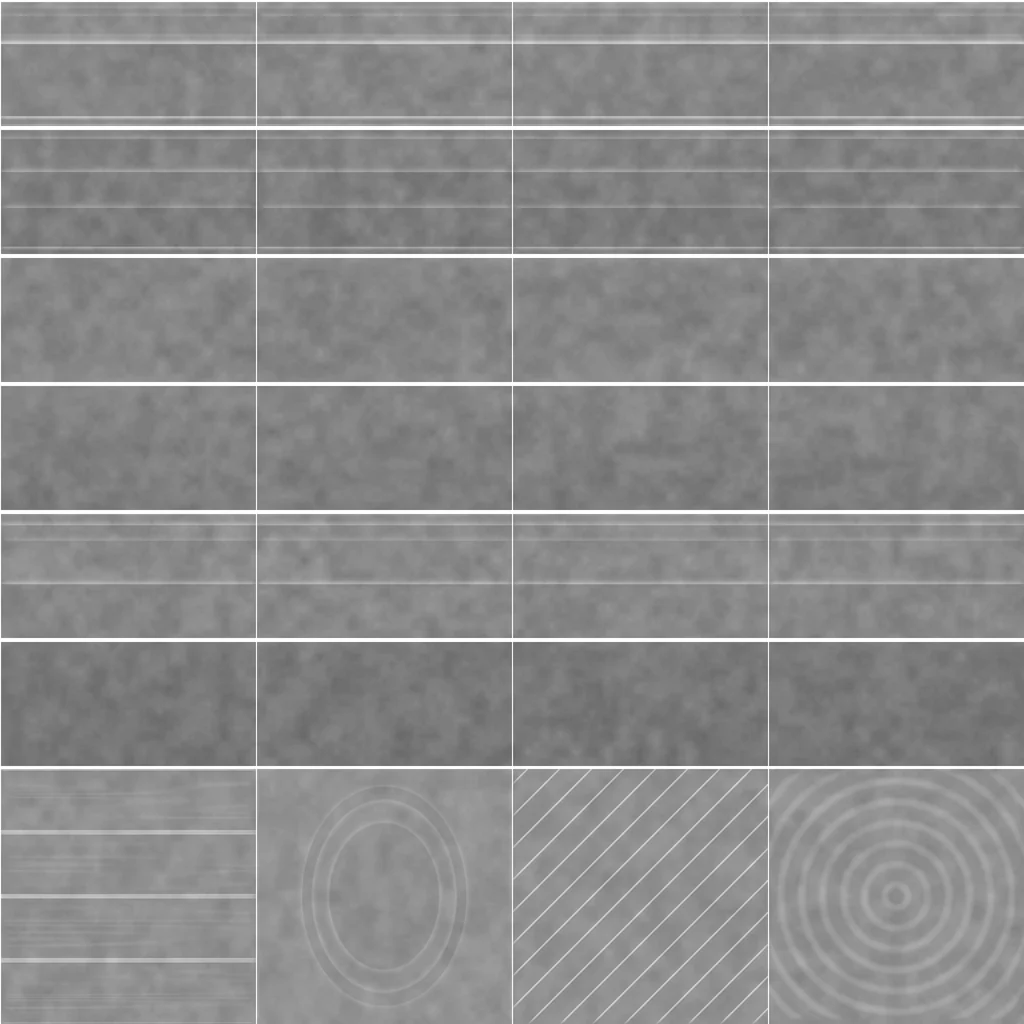
Roughness
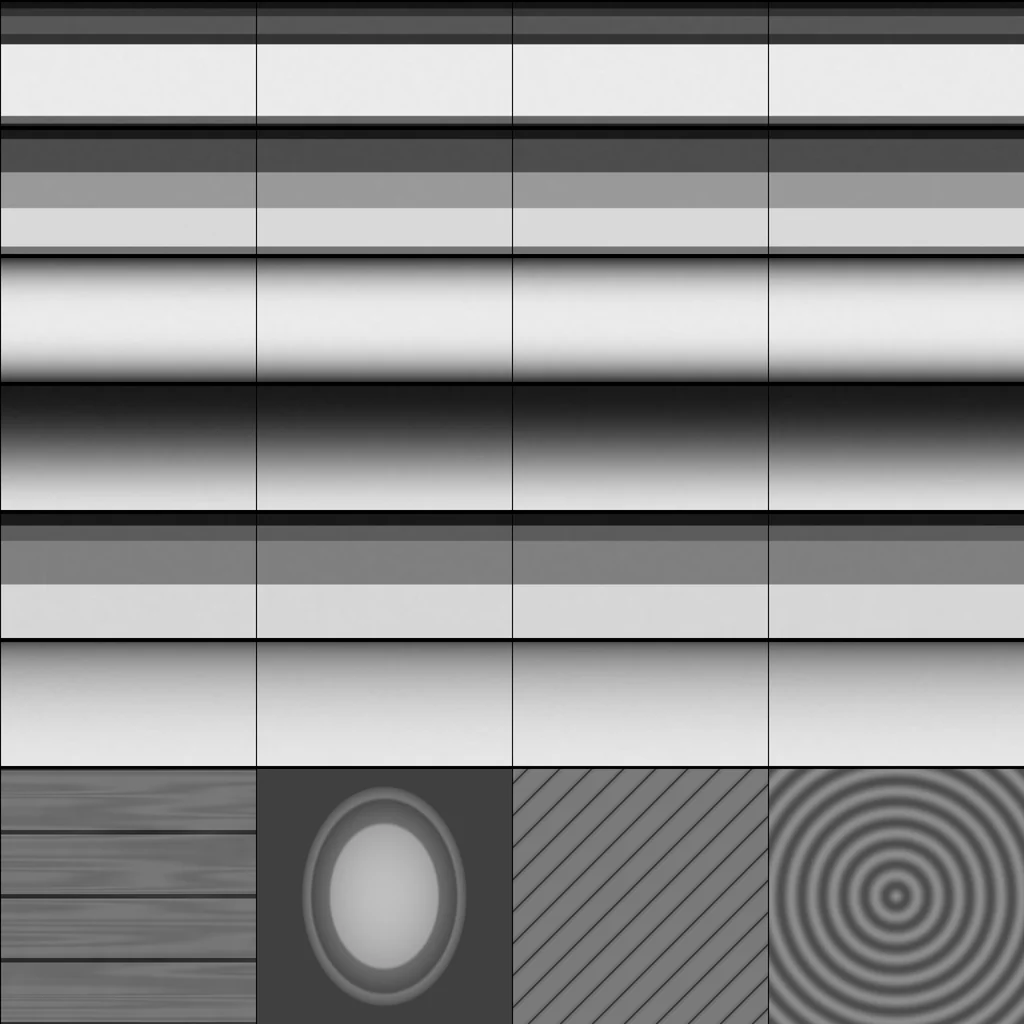
Height
How it works
One texture, many edges
A trim sheet packs every profile you need for a building, prop or vehicle into one texture. Each strip is a complete edge, so a long wall trim, a crown or a panel border can run the full length of the mesh. Corners and ends come from the square decal row. That keeps draw calls and memory low while the surface still reads detailed up close.
Sheet specs
- Resolution
- 2048 x 2048 px, 8-bit PNG
- Maps
- Albedo, normal (GL and DX), roughness, metallic, AO, height
- Layout
- 6 profile strips plus 4 square decal tiles per sheet
- License
- CC0 1.0 Universal, commercial use allowed
- Attribution
- Not required
- Sign-in
- Not required
FAQ
Trim sheet questions, answered
- What is a trim sheet?
- A trim sheet is one PBR texture cut into horizontal strips. Each strip is a profile such as a bead, chamfer, cornice or groove that runs along its length. You map a mesh to one strip and stretch it, so one texture gives you many edges, moldings and panel trims without a new texture per piece. The bottom row holds square decal tiles for bolts, vents and plates.
- Are these free trim sheets licensed for commercial use?
- Yes. All three free trim sheets are released under CC0 1.0 Universal, which is a public domain dedication. You can use them in commercial games, renders, client work and products, modify them and redistribute them. No attribution is required, though it is appreciated.
- What maps are included in each download?
- Each zip contains six 2048 by 2048 PNG maps: albedo, normal (OpenGL and DirectX versions), roughness, metallic, ambient occlusion and height. A preview contact sheet, a README with mapping notes and a square cover image are included too.
- Which engines and tools work with these trim sheets?
- Blender, Maya, Unity, Unreal Engine, Godot, Substance and Roblox SurfaceAppearance all accept the standard map set. Use the OpenGL normal in Unity, Unreal and Blender, and the DirectX normal where a pipeline expects a Y-down convention.
- How do I apply a trim sheet to a mesh?
- Unwrap the mesh so the faces that should show a profile sit inside one strip band of the UV layout. Scale the UVs along the strip length to match the real size of the edge. Keep the strip height fixed so the profile does not stretch across its depth. For corners and ends, use the decal tiles on separate planes.
- Are these hand-painted or photo scans?
- They are procedurally generated with seeded noise and profile math, so every map is consistent in scale and no third-party photos or scans are used. That keeps the rights clean. For photo-based textures, use the GenPBR generator on your own images.
- Can I use the trim sheets in Roblox?
- Yes. The color, normal, roughness and metalness maps map to Roblox SurfaceAppearance. Upload the PNG maps through the Roblox Creator tools under your own account, and check the current Roblox texture size and format rules before publishing.
- Do I need an account to download?
- No. The three free trim sheets download directly from this page with no sign-in and no watermark.
Need a trim sheet from your own photo?
Upload a photo or an albedo, and GenPBR builds the normal, roughness, metallic, AO and height maps in the browser, with a live 3D preview.