Article
Height map generator workflow: grayscale elevation for displacement and parallax

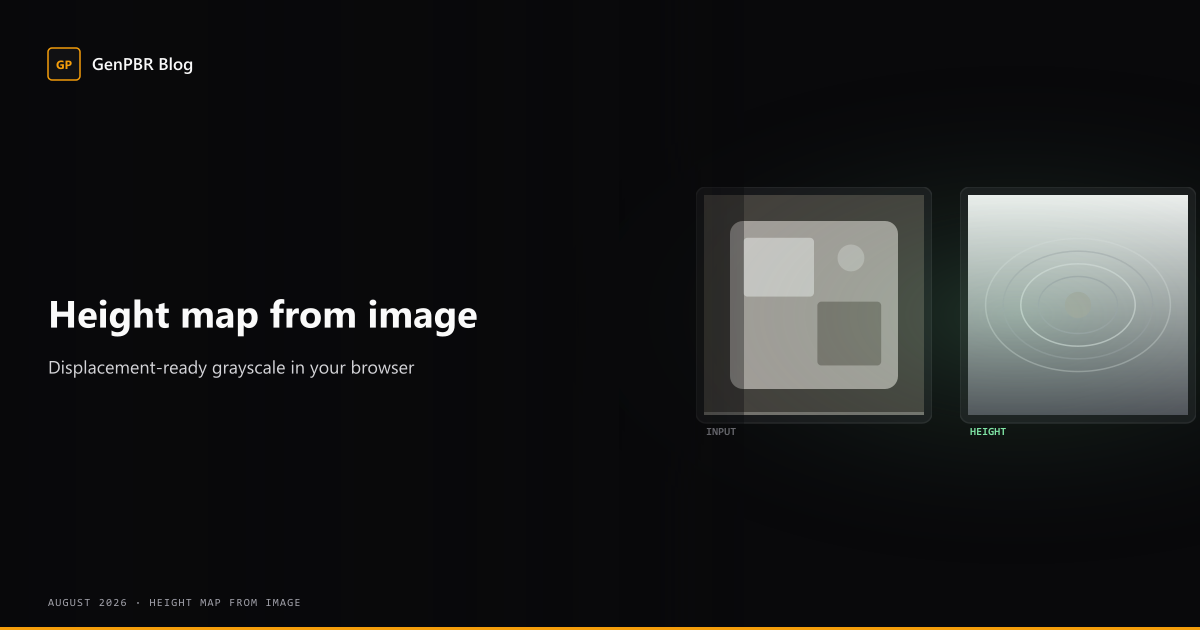
Height map generator and heightmap generator searches spike when teams need displacement-ready grayscale from a single plate. Learn how height differs from normals, when to pair both, and how to export from GenPBR.
Last updated: June 2026. This article explains height map concepts for real-time and offline pipelines. Confirm live export options on Pricing before production use.
Height map vs heightmap: same channel, two spellings
Search queries split between height map generator and heightmap generator, they refer to the same asset: a grayscale elevation texture where brighter texels represent higher surface displacement. GenPBR’s hub at /height-map-generator targets both spellings plus image to height map and displacement map generator intent.
Height is not interchangeable with normals:
- Normal maps encode surface direction for lighting
- Height maps encode elevation for displacement, parallax, tessellation, or height-blend shaders
Many production materials use both: normals for real-time lighting response, height where the pipeline supports displacement or parallax occlusion mapping (POM).
When to author height in your PBR pass
Author height when:
- Your shader supports displacement or POM and you need believable silhouette change
- You are preparing a plate for offline rebakes in a DCC tool
- You use height-based blending between material layers (terrain, worn edges, snow accumulation)
Skip or deprioritize height when:
- The target engine material only consumes albedo, normal, metallic, and roughness
- Mesh LODs are aggressive and parallax would shimmer unnoticed
- You already have authored sculpt data, you should bake height from geometry instead
Practical workflow on GenPBR
- Open /generate or start from the height map generator hub page.
- Upload a stable source plate, prefer PNG when JPEG blocking would become false elevation noise.
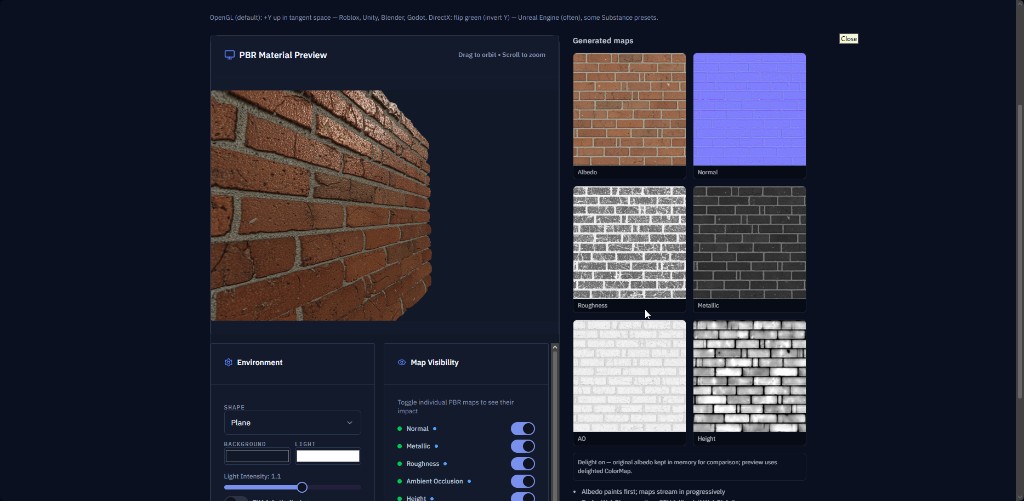
- Enable height generation and tune intensity while previewing in 3D.
- Export PNG and store alongside normal and roughness from the same source session so values stay coherent.
- In-engine, connect height to displacement or parallax only if the shader expects it, many “PBR” lit shaders ignore height entirely.
Grayscale height map generator expectations
Image-driven height inference estimates elevation from luminance and local contrast. It works well for:
- Brick, stone, bark, and other macro-relief surfaces
- Quick blocking before a sculpt pass
It struggles when:
- The albedo plate has strong color variation unrelated to depth (stains, paint, decals)
- You need precise mechanical step heights for CAD-like parts
For those cases, treat GenPBR height as a starting plate and refine in ZBrush, Blender, or Substance-family tools.
Pairing height with normals and roughness
Recommended order for many props:
- Stabilize base color / albedo
- Author metallic / metalness
- Tune roughness with normals in view
- Generate normals and height from the same source
- Add AO last if the engine uses it as a multiply darkening pass
See PBR texture generator checklist for the full channel order rationale.
Import sanity checks
| Symptom | Likely cause |
|---|---|
| Displacement spikes along UV seams | Height inferred across discontinuities; paint seam masks or rebake from sculpt |
| Parallax swimming when camera moves | POM scale too high for texel density |
| Flat displacement | Height connected but shader strength at zero, or wrong color space on sample |
Related GenPBR pages
- Height map generator hub, including grayscale height map
- Normal map generator guide
- PBR materials
- Free PBR textures
- Image to PBR plate checklist
Height map maker searches often precede terrain or environment art milestones, document your engine’s displacement units (world space vs tangent) once so the whole team exports compatible grayscale plates.
About Star
GenPBR is a professional tool for generating PBR textures using industry-leading algorithms. Create photorealistic materials for games, architecture, and 3D art with proven techniques for Unity, Unreal Engine, Blender, Maya, and Roblox.